Where the money went, without connecting your bank.
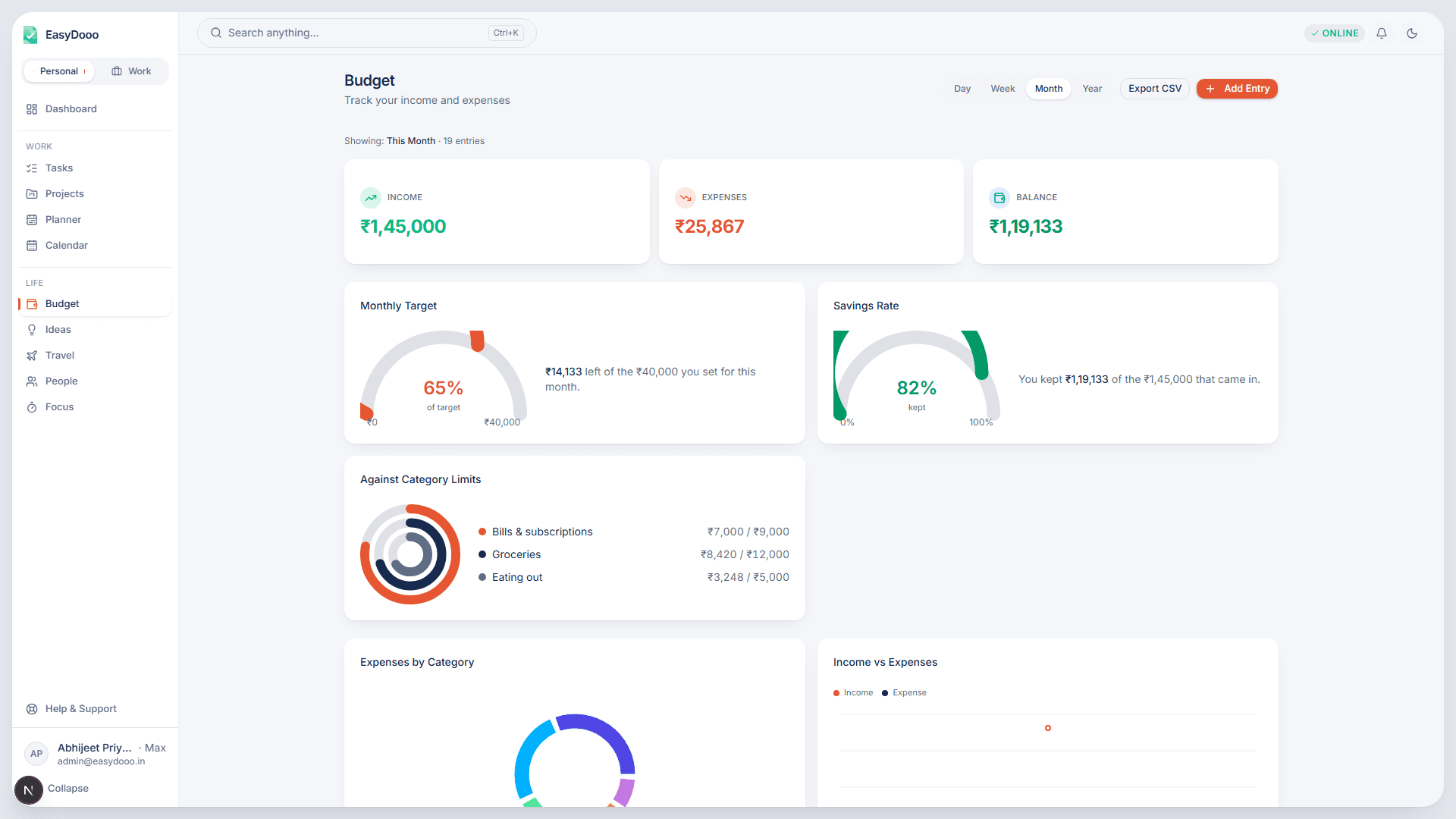
Budget is where you record what you earned and spent and see the totals, category breakdown and trends for a period you choose. It is split by workspace, so household spending and work expenses never share a chart.
An Entry is one line
Pick Income or Expense, type an amount, set a date, choose a category and optionally note what it was paid from: bank, card, UPI on a credit card, cash and more, with the account name. The Budget page shows the period's spending per payment source, and a refund recorded against an expense brings the category and the month back down without counting as income.
The period you choose
Switch between Day, Week, Month and Year and every card, chart and the entries list recalculates from the Entries in that period. The running balance chart always shows the last six months, because a balance that restarted each month would not be a balance. Export CSV gives you the period as a file.
Entries that arrive on their own
Your share of a trip expense files itself under a Travel category, and a task's estimated cost lands under Tasks. Link any Entry to a project, task or trip and its row carries a badge straight to it. Categories belong to the workspace, and the Android app can put a monthly limit on an expense category.
What it is not
This is not a bank-feed product. An Entry is one you added, or one that arrived from a trip or a task; nothing is imported from a bank. A saved Entry cannot be edited either, only deleted and re-added.
Further reading
- An expense tracker that does not need your bank login
- Bill reminder app for India: EMIs, SIPs, cards, insurance and tax dates
- Free trials that turn into charges: the two-day rule
- EMI and SIP auto-debits: fund the account the day before, not the day of
- School fees: the term date nobody reminds you about twice
Budget is on Pro and Max
Start on Free, with no card. Upgrade from Settings when a module earns it.